Restoring Deleted Employees
If you have removed employees from your list and would like to restore them without having to add them again from scratch, follow the steps below.
Getting started
Open the Company Data form and click the Employees button.
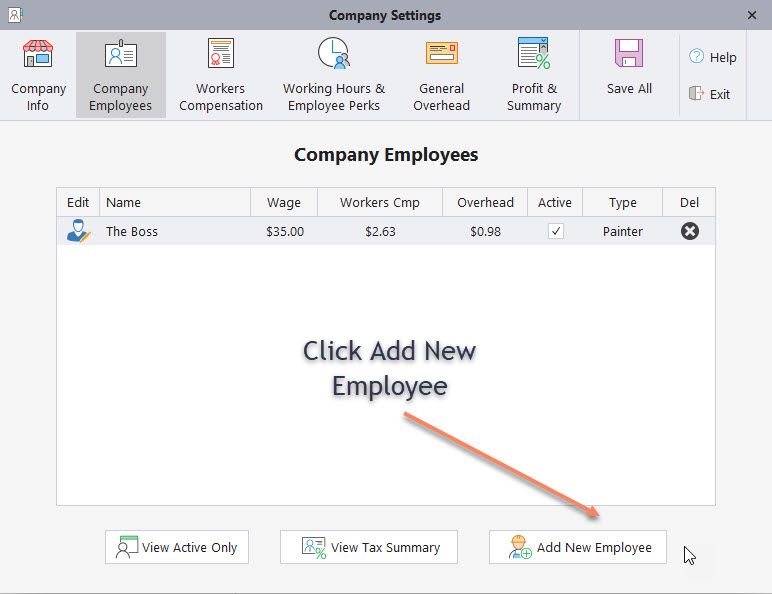
This opens the employee add form.
Restoring a deleted employee
If you see a restore button under the employee name, it means employees have been deleted in the past. If you do not see this button, then no employees have ever been deleted.

Click the restore button to open the list of deleted employees.
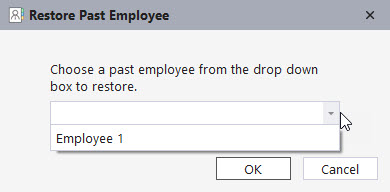
- Select the employee you want to restore.
- Click OK.
- Click Add and Return to restore the employee.
- Click Save All to finalize the changes.
Once saved, the deleted employee has been fully restored.
If you have any questions, please contact support@thepaintestimator.com .